

How can we help?
Find answers to the questions we hear most, from your first project to billing and account changes. If you cannot find what you need, our team is one message away.
Our support team answers every message within one business day, Monday to Friday.
Popular questions
Answers to the things people ask us every week.
Getting Started
How do I start my first project?
Sign in to your dashboard, choose Create a Project and pick a starting layout. Every section on the page can be edited straight away: click a heading to change the words, or a picture to swap it for your own.
Can I import a complete demo website?
Yes. Pick a demo from the library and import it in a few clicks. Pages, menus, images and settings arrive together, and you can remove the demo content again at any time.
Do I need to know how to code?
No. Everything is edited from simple settings and you never have to open the code. Developers who want to go further can still add their own styles and scripts.
Customization
How do I change colours and fonts?
Open the theme settings and choose your brand colour and typefaces once. Every section picks them up, so the whole site stays consistent as you add pages.
Can I rearrange sections on a page?
Yes. Drag sections up or down, duplicate the ones you like and remove the ones you do not need. Changes are saved as a draft until you publish.
Will my site look good on phones?
Every section is responsive and is checked on phones, tablets and wide screens, so your layout adapts without extra work.
Account & Billing
Where do I find my invoices?
Every payment appears in the billing area of your account, where you can download an invoice for your records at any time.
How do I update my payment details?
Open your account settings, choose Billing and enter the new card. The next payment uses it automatically.
What happens when I cancel?
Your plan stays active until the end of the current billing period and then stops renewing. Everything you have already downloaded stays yours.
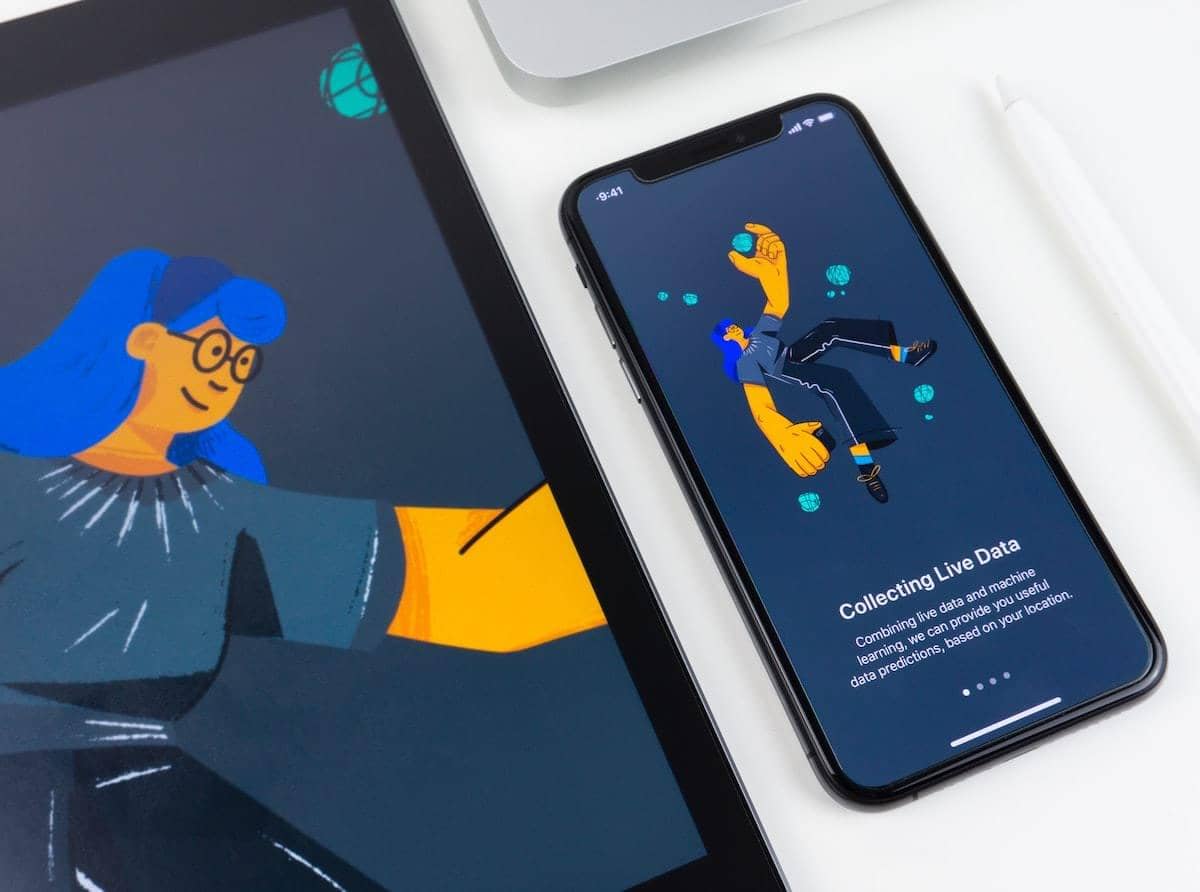
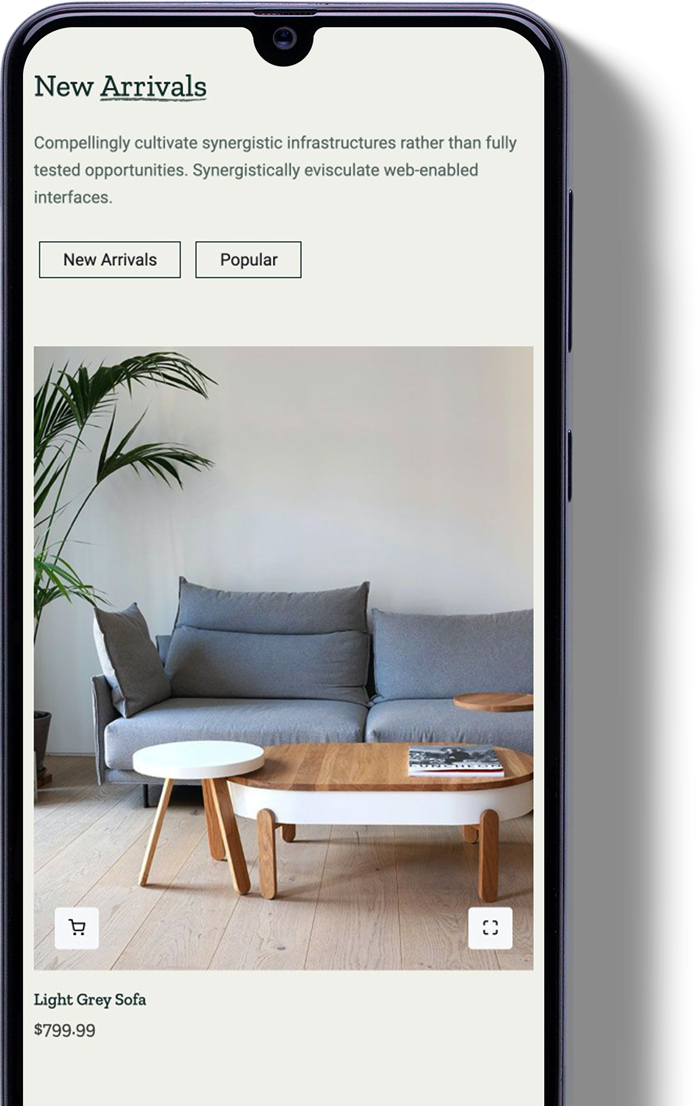
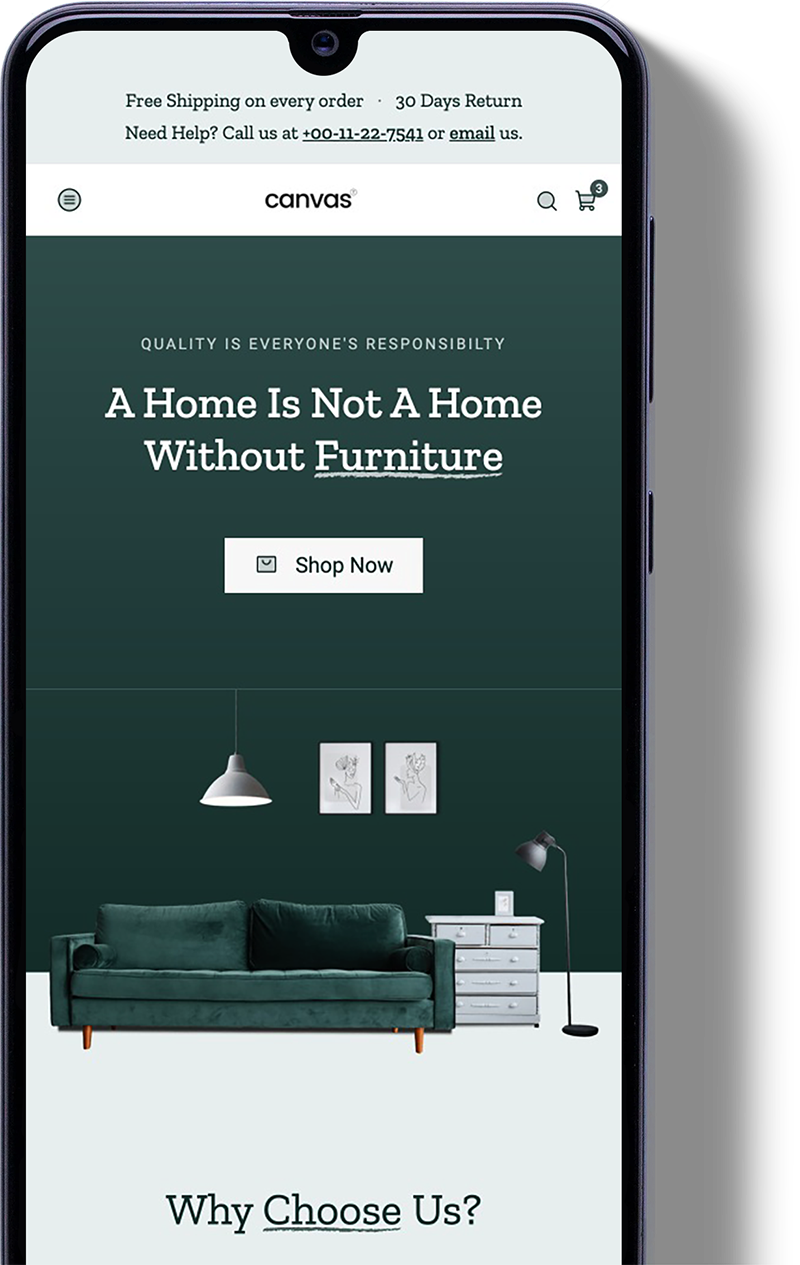
Support in your pocket.
Open a support request, follow the reply and check your projects from the companion app, wherever you happen to be.
Enjoy the Canvas now
Still stuck? Send us a message and a real person from our team will get back to you within one business day.
Contact Support